- Introduction
- Prerequisites
- Setup Python Environment
- Database Schema
- Fetching Derebit Data
- Calculating the Black-Scholes Price
- Conclusion
- Troubleshooting
- References
Introduction
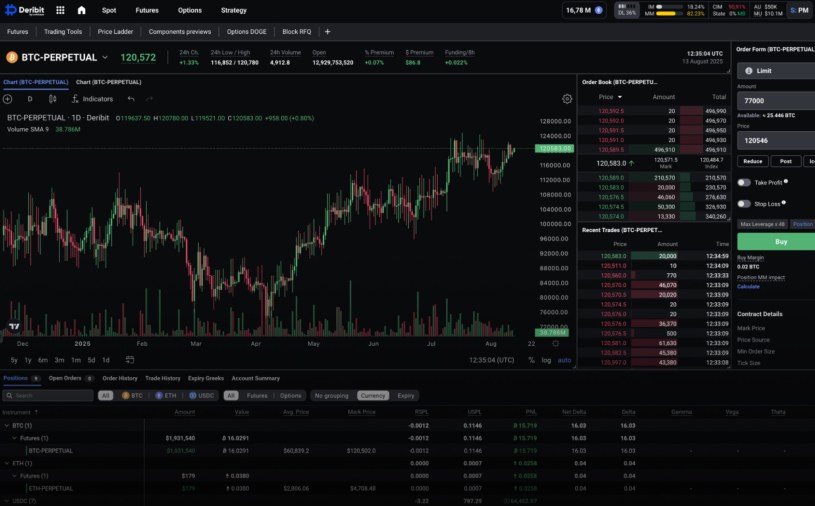
In this blog post we will begin our journey into cryptocurrency derivative pricing and calibration. We will setup our accounts and extract, transform and load cryptocurrency option data from the Derebit exchange into our Python environment and start pricing Bitcoin options.
We will be closely following the approach taken by Daniel‘s GitHub repo https://github.com/dgcar/crypto-options-pricing.
Prerequisites
Setup Your Derebit Account
The first step is to create a free account on Derebit here: https://www.deribit.com/register. Then, by clicking your Account in the top-right hand corner of your browser, and navigating down to the API setting, you will be able to get your API Access Client Secret Token. Make sure it is enabled.
Setup Your PostgreSQL Server
We will be using PostgreSQL to store our cryptocurrency exchange data. Download and install from here: https://www.postgresql.org/download/. Do not forget the password that you set!
Keep the default location and the default port at 5432.
Next, you will want to add C:\Program Files\PostgreSQL\<version number>\bin to your Windows Environment PATH variable so that you can use PostgreSQL in your Bash command line.
Let’s check that Bash recognises postgreSQL. Typing the following command into Bash should return a version number.
$ psql --version
Connect to your local (localhost) postgreSQL server, using your superuser name, by running the following command in Bash:
$ psql -U postgres
You should connect to an empty database, from which you can list the contents with
postgres=# \l
You can also list your databases from the Bash command line with
$ psql -U postgres -h localhost -l
Create a New PostgreSQL Database
Let’s create a new database called crypto_info. Quit to Bash and run the following command as the postgres superuser):
$ PGPASSWORD="<YourPassword>" psql -U postgres -h localhost -c "CREATE DATABASE crypto_info;"
List the databases again with
$ psql -U postgres -h localhost -l
You should see the empty crypto_info database.
Before we can add tables and setup table schemas, we will need to connect to GitHub and clone a repo.
Setup Python Environment
Now we setup our local repository and get Python working.
$ git clone https://github.com/BenWhiteside/crypto-derivatives
Change directory back to the root folder of the cloned repo. Create and activate a virtual Python environment (or use Anaconda):
$ python -m venv derebit
$ source derebit/Scripts/activate
Now we need to update pip:
(derebit)$ python -m pip install --upgrade pip
and then install the Python requirements:
(derebit)$ pip install numpy pandas scipy matplotlib sqlalchemy psycopg2 requests numba
Clone GitHub Repo
Log in to GitHub and open my repo here https://github.com/BenWhiteside/crypto-derivatives.
Open up Pycharm and open the cloned crypto-derivatives folder. Ensure it is operating in the Python virtual environment derebit that we just set up. If it isn’t (and it’s saying No Interpreter), then click File > Settings > Python Interpreter > and browse to the existing Python venv and double click on the Python.exe.
Ensure that Pandas is updated to v2.2 or later.
Database Schema
The cloned repo will provide the postgreSQL database schemas.
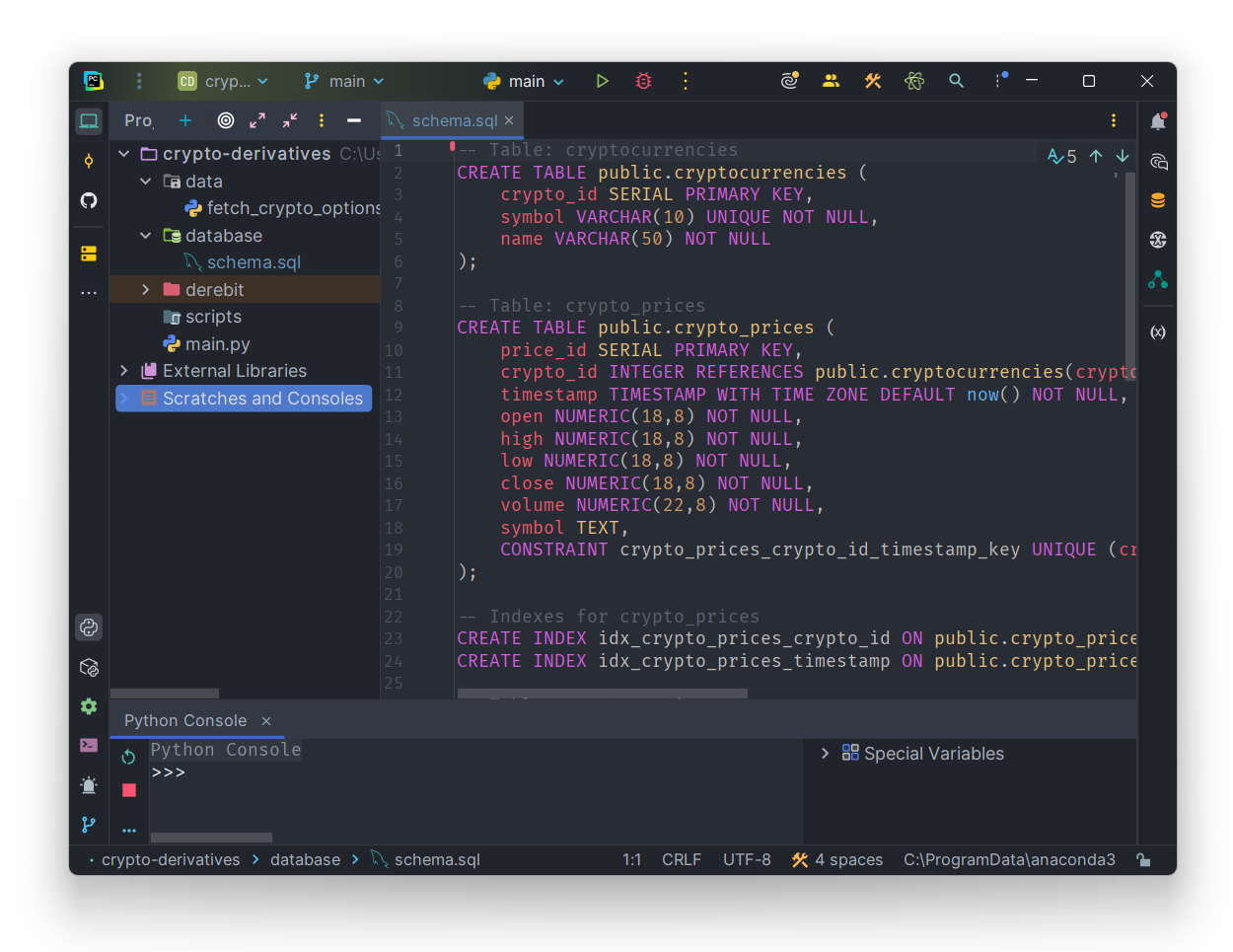
Git Bash into the cloned repo folder and run this command open PostgreSQL on the command line with the superuser postgres:
(derebit)$ PGPASSWORD="<YourPassword>" psql -U postgres -d crypto_info -h localhost -f database/schema.sql
Test that the database is created with
(derebit)$ psql -U postgres -h localhost crypto_info
You should be in your database now:
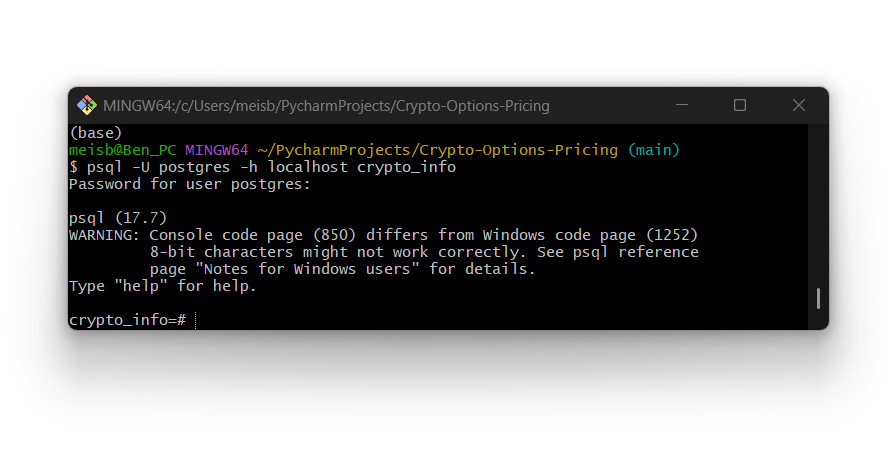
When in the server, you can type \dt to see the tables, and we should also insert Bitcoin as a currency into the cryptocurrencies table.
(derebit)$ PGPASSWORD="<YourPassword>" psql -U postgres -h localhost -d crypto_info -c "INSERT INTO cryptocurrencies (symbol, name) VALUES ('BTC', 'Bitcoin'), ('ETH', 'Ethereum');"
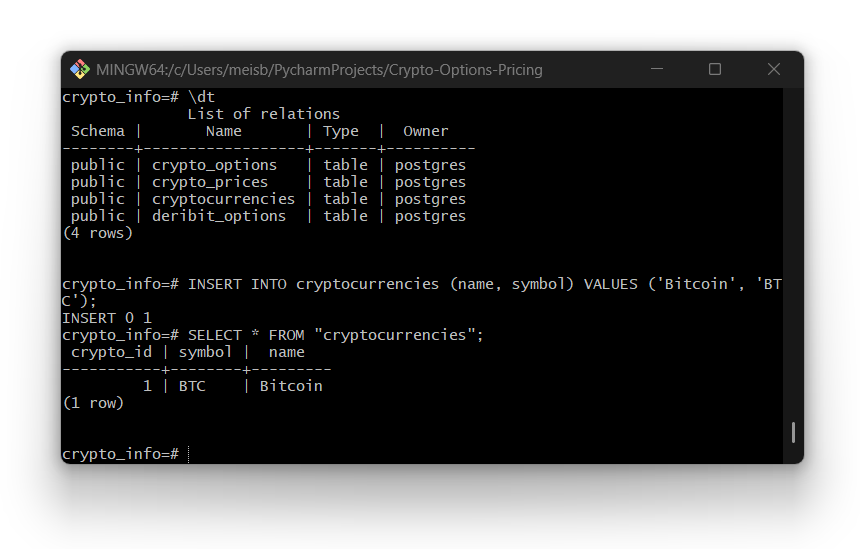
While we are at it, let’s also add Ethereum:
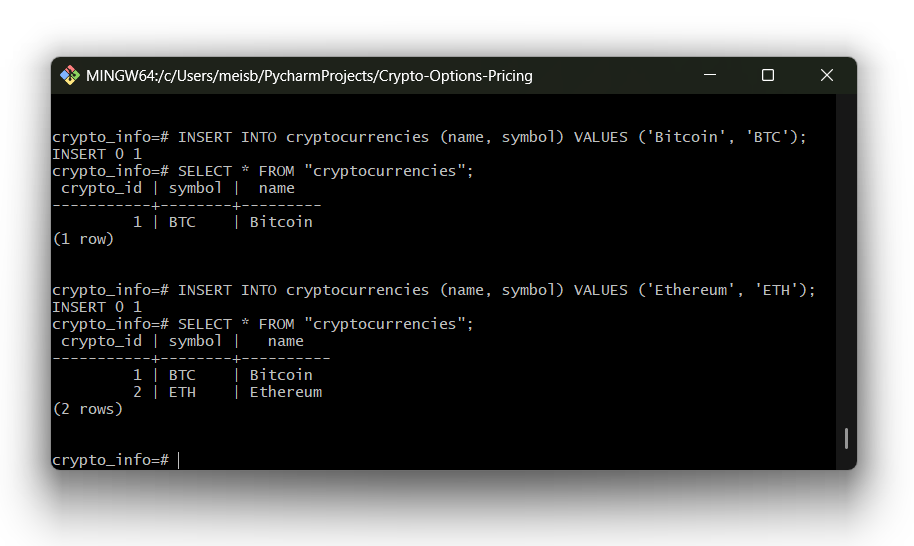
Our database is ready to start holding data!
Fetching Derebit Data
Open PyCharm again and open the fetch_crypto_options.py program. In the first few lines, fill out the database connection string with your information.
DB_NAME– Most likely will be calledcrypto_infoif you have been following this blog.DB_USER– Most likely will be your superuserpostgres, unless you have created your own user.DB_PASSWORD– This is the password you created when you first installed postgreSQL.DB_HOST– Most likely will belocalhost.DB_PORT– This will be5432.
Enter your Derebit API Key in for the variable FRED_API_KEY.
Calculating the Black-Scholes Price
Inverse Options
Before we can calculate the prices of these options we need to know what they are. Deribit’s BTC options are inverse options because the underlying and the payout are both denominated in BTC, even though the strike is quoted in USD. This design comes directly from Bitcoin’s settlement conventions and has several practical and economic reasons, namely due to the fact that (at least originally) most Bitcoin traders/miners held BTC as collateral and exchanges needed a way to margin everything in BTC.
As such, the inverse option has a payoff in the base currency (Bitcoin, Ethereum, etc…) and not in the quote currency (USD), despite the underlying asset has a price that is quoted in USD per BTC. A call option on this product thus has a payoff in the form:

where 


his shows that one can think of the inverse option payoff as equivalent to a standard FX option, except that the payoff is denominated in the foreign currency as remarked by Lucic (2022). There is a large body of academic texts on FX options, their pricing and volatility dynamics, for example see Levy (1992), Carr and Wu (2007), etc… However, FX options are usually denominated in the same currency as the underlying. Inverse options are denominated in the foreign rather than the domestic currency and this rather unusual denomination of the payoff is a potential source of confusion.
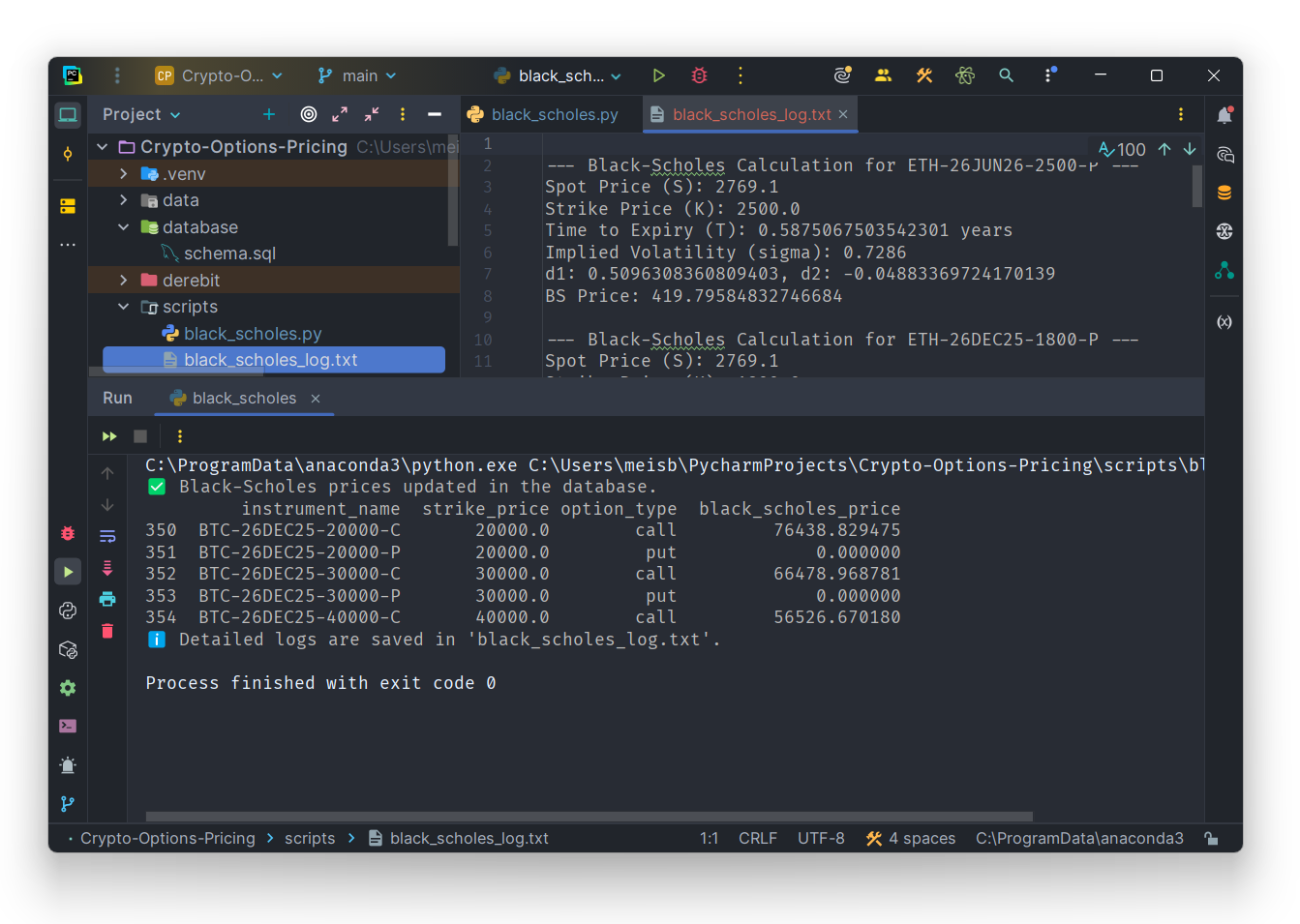
As a first test with this data, let’s calculate the Black-Scholes price using the black_scholes.py program.
Conclusion
In the next blog we will derive the Inverse Option valuation methodology and start looking at the volatility.
Troubleshooting
Attribute Error: ‘Engine’ object has no attribute ‘cursor’
Pandas version is too old. inside pandas/sql.py → inside execute() → it doescur = self.con.cursor()
but Engine no longer has a cursor attribute. This is the classic pandas + SQLAlchemy version mismatch bug.
Why This Happens?
You are using SQLAlchemy 2.0+. In SQLAlchemy 2.0:
- Engines no longer expose DBAPI methods
.cursor()does not exist- Engines are not proxies for psycopg2 connections anymore
Your pandas version is too old to know this
Pandas v2.2 still uses SQLAlchemy 1.x style logic:
cur = conn.cursor()
So inside pandas/sql.py, it still calls .cursor() on the Engine, causing the error message.
 From First Principles